
Pulse is a tool available to RICS>Pay customers which is used to view transaction details, report on processed payments, view monthly statements, and more. Follow the steps below to login to Pulse from the RICS Back Office.
1. Login to the RICS Back Office
2. Navigate to Setup :: Manage Store :: Setup Settings
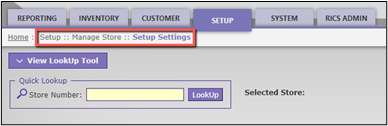
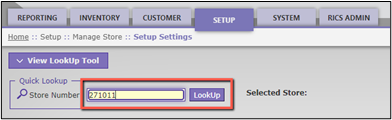
3. Enter your RICS Store Number; Click ‘LookUp’
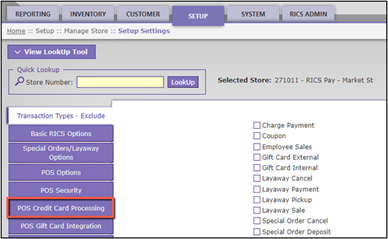
4. Click ‘POS Credit Card Processing’
5. Click 'Login to MerchantTrack'
Note 1: If pop-ups are not enabled in your browser, it may be necessary to enable that setting to be redirected to Pulse.
Note 2: Users accessing Pulse for the first time are required to have an email address and phone number associated with their user profile. If prompted, you can look up your user add those details on the Setup :: Users :: Manage Users page and then click Save.
Comments